Make lid closing
feel different.
LidMotion reads your MacBook’s hinge angle live and scrubs an effect to it: forwards as you close the lid, backwards as you reopen. Nothing to press.
Three things happen
while you close it.
02 · HOW IT WORKSNothing to press or launch. The gesture you already make a dozen times a day is the whole input.
A continuous reading, not an open/shut switch, which is why the motion feels attached to your hand.
Forwards as you close, backwards as you reopen. Scrubbed by the hinge, never a canned animation.
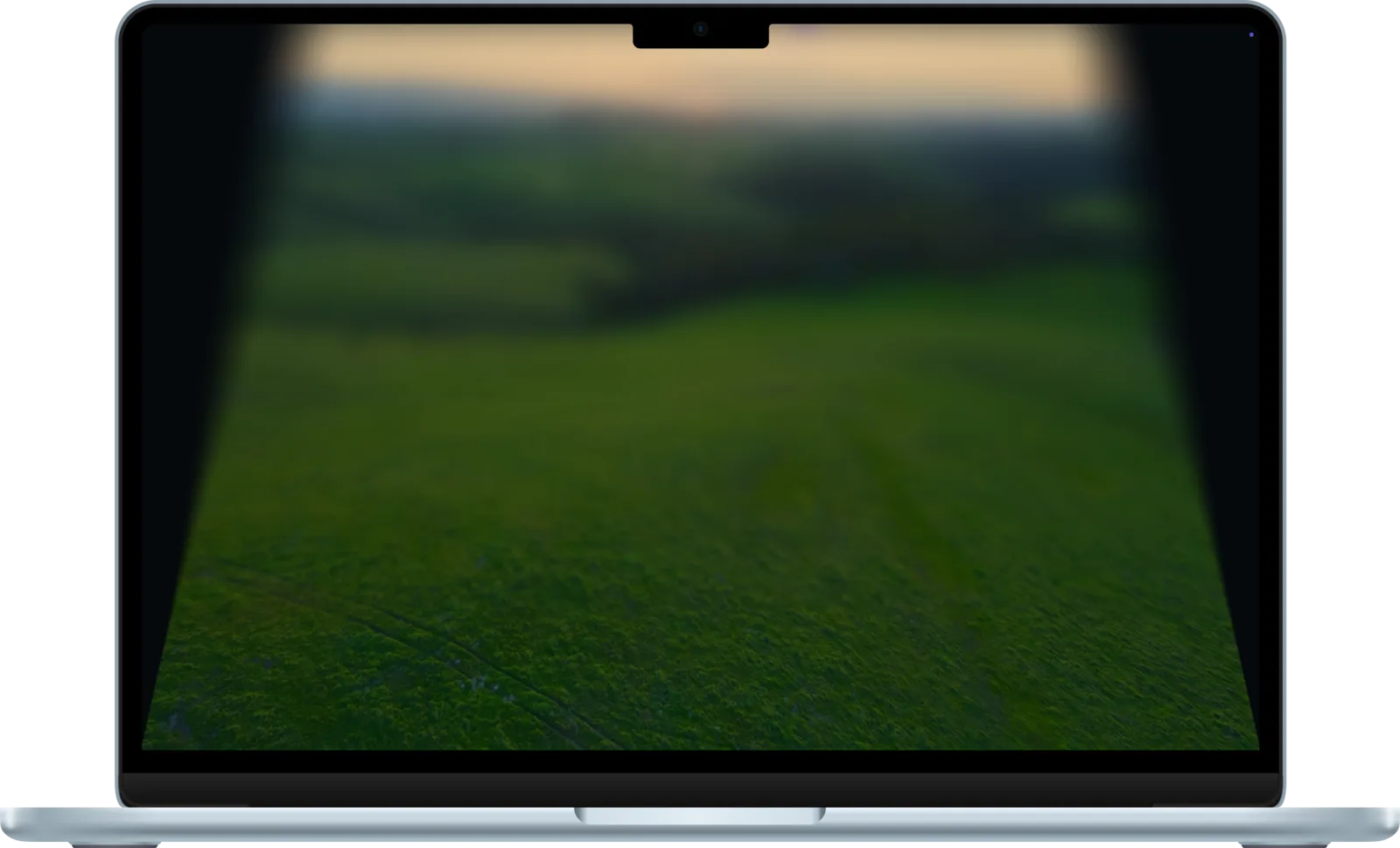
Lid Plane
The desktop stays upright in space with a depth blur while the lid tilts away from it. The one effect that reads instantly as physical.
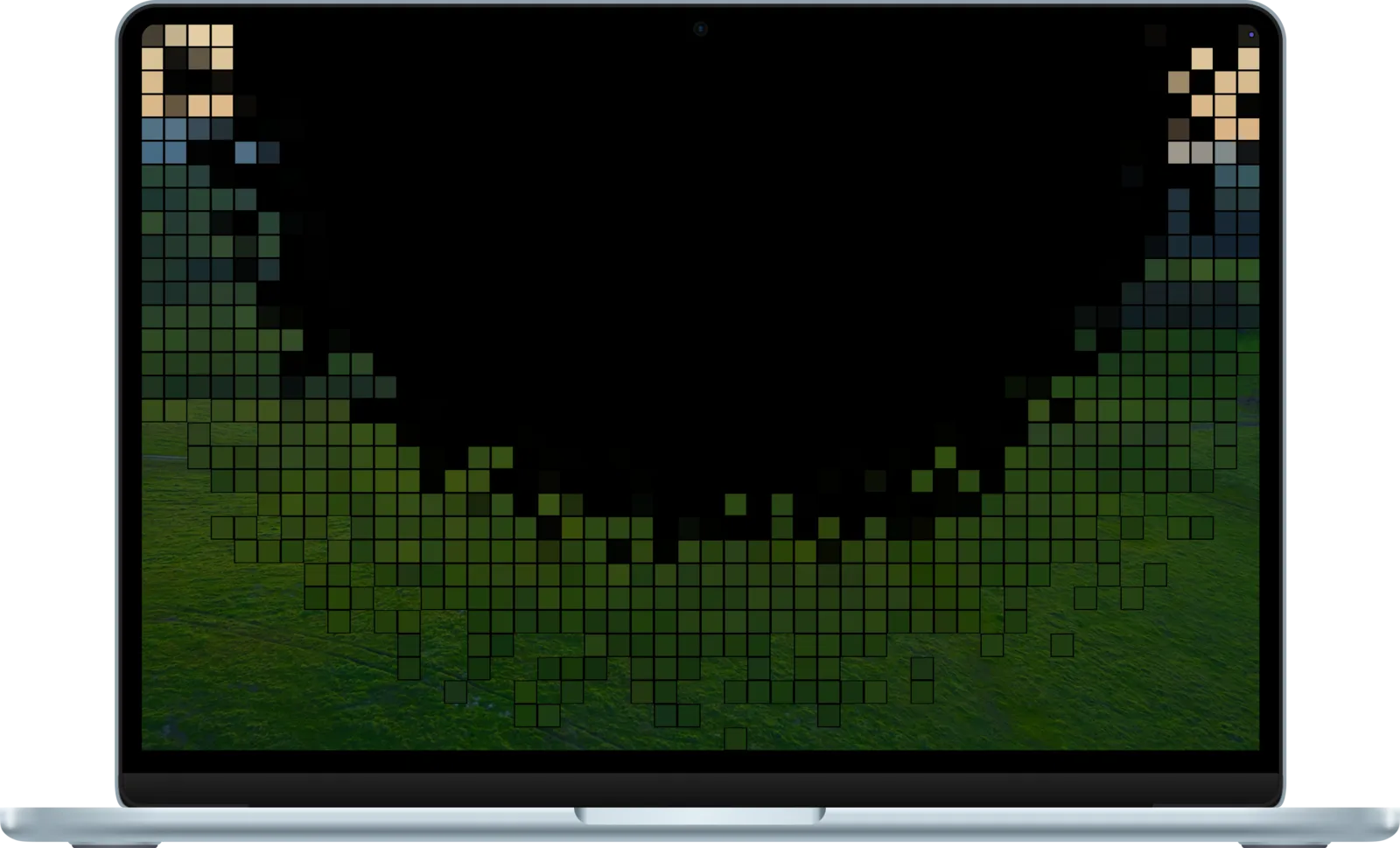
Pixel
The screen breaks up into blocks that coarsen as the angle narrows: a clean mosaic, not a glitch.
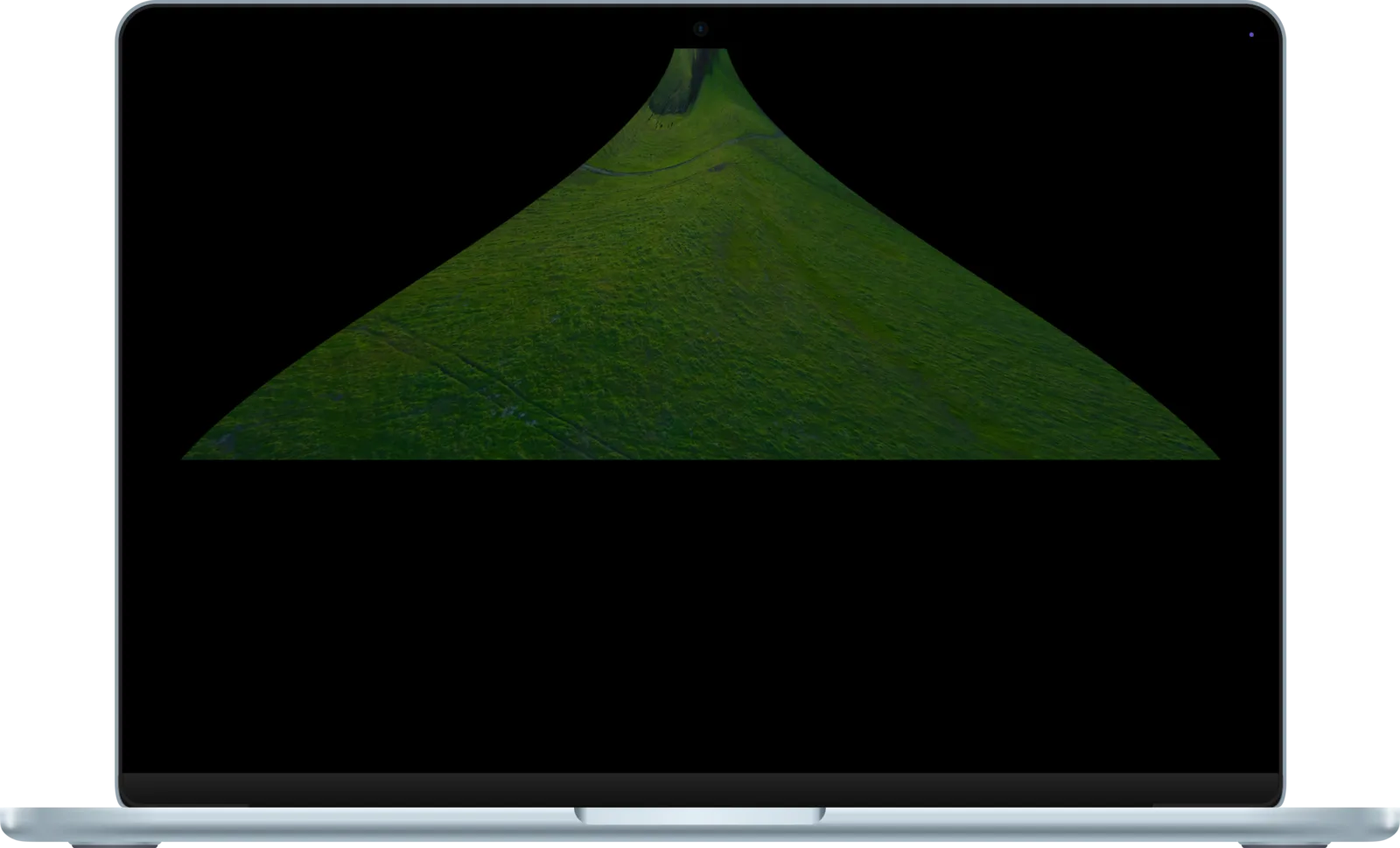
Genie
The desktop gets sucked into the top edge of the display, pinched toward the hinge as it shuts.
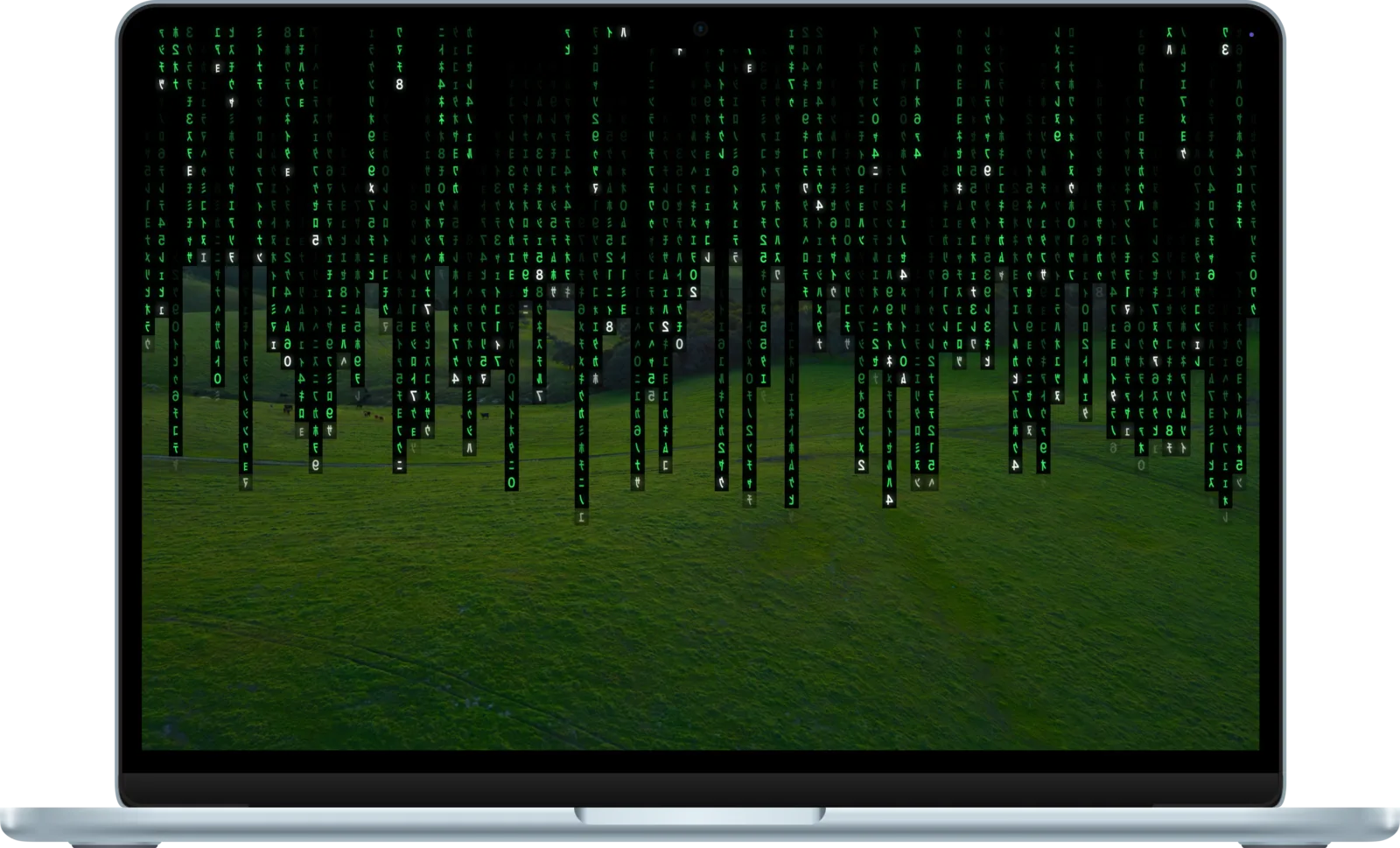
Matrix Rain
Code rains down the screen, falling faster the further you close, then rewinds upward as you lift the lid.
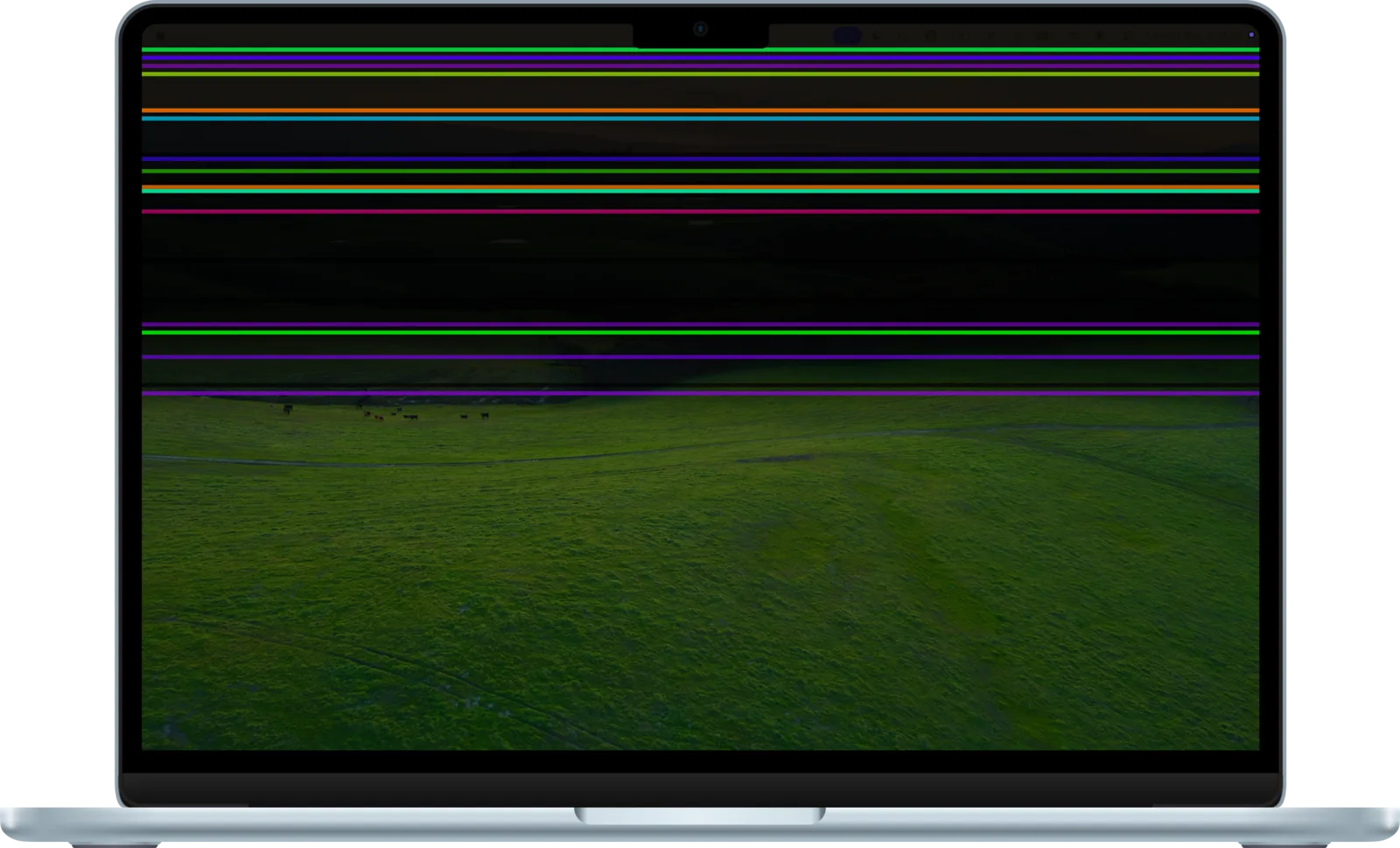
Flicker
Colourful failing-panel lines that fade the screen down to black, like a display giving up gracefully.
More effects
on the way
New ones ship with app updates. Requests welcome on GitHub.
Presets to start.
Sliders to obsess.
04 · CUSTOMISATIONEvery effect ships with four presets, then exposes each parameter as a live slider.
Changes preview on the built-in display as you drag, with no restart and no reopening the app.
Lives up top.
Stays out of the way.
05 · MENU BAR APP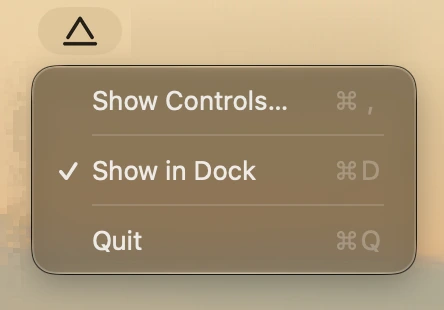
Your desktop never
leaves your Mac.
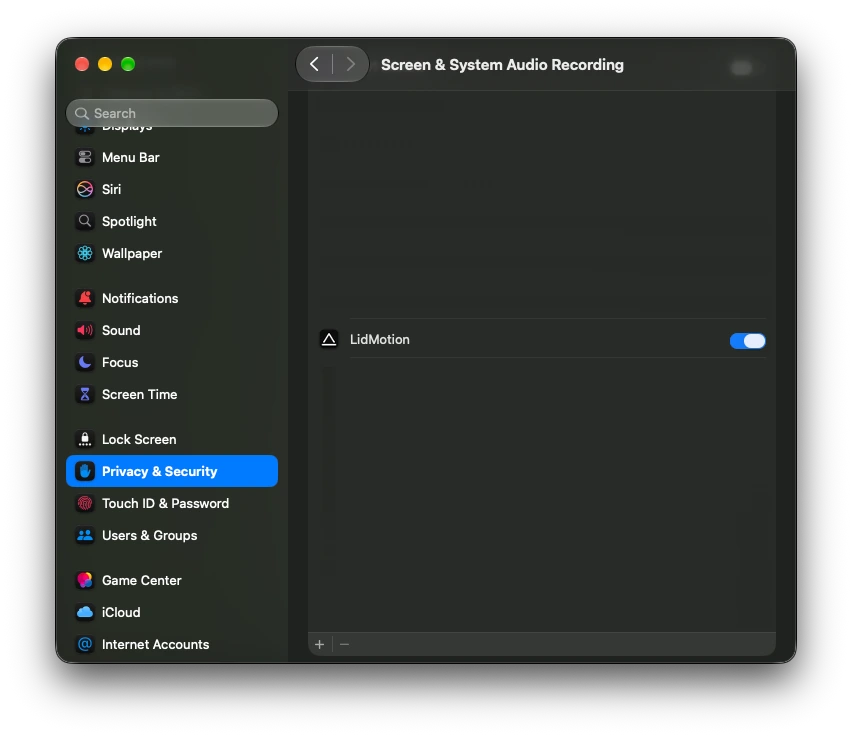
To animate your desktop, LidMotion has to redraw it, and macOS classifies reading the screen as Screen Recording. It is the only permission the app ever asks for.
Captured frames are uploaded as textures, drawn, and discarded. Nothing is saved to disk, nothing is uploaded, nothing is sent anywhere.
No telemetry, no crash pings, no sign-in. The app makes exactly one network request: an optional update check you can switch off.
System Settings → Privacy & Security → Screen & System Audio Recording → enable LidMotion.
What it needs,
what it won't touch.
07 · REQUIREMENTSQuestions,
answered.
08 · FAQEffects render on the GPU and only while the hinge is moving inside the trigger range. With the lid fully open the app idles at effectively zero CPU, so day-to-day battery impact is negligible.
External displays are left untouched: effects only ever draw on the built-in screen. In clamshell mode, with the lid shut and an external display driving, LidMotion pauses entirely.
Quit from the menu bar (⌘Q) and drag LidMotion.app to the Trash. Preferences live in a single plist under ~/Library/Preferences; delete it if you want no trace left behind.
Yes: free, with every effect included and nothing locked away. If it made you smile, a cappuccino is a lovely way to say so.
It's an independent app distributed outside the App Store, so Gatekeeper asks once on first launch. Right-click the app and choose Open, or allow it in System Settings → Privacy & Security. You can verify your download against the SHA-256 checksum in the footer.